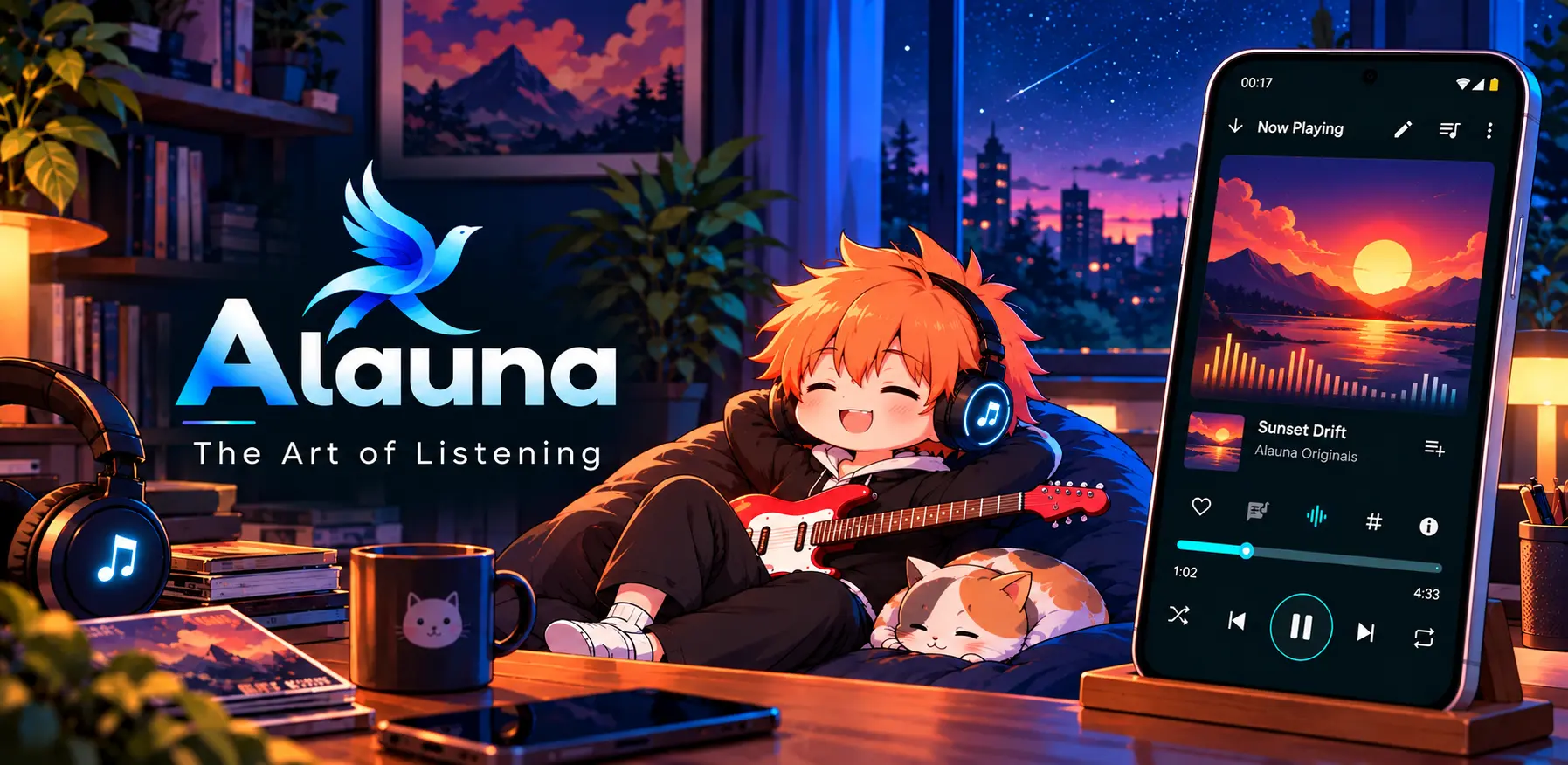
Alauna — Release Notes
Releases & Changelog
Latest Version: 1.1.21 (Build 21)
Platform: Android 7.0+ (API 24+)
Download Alauna
Get Alauna — The Art of Listening directly on Google Play:
👉 Download on Google Play
v1.1.21 (Build 21)
- New Visualizers: Added Neural Tree, Liquid Mercury, and Celestial Orrery with true planetary orbits.
- Playback Checkpoints: Automatically saves your track position every 30 seconds so your spot is never lost if closed in the background.
- MiniPlayer Status Badge: Added a compact like/dislike badge to the MiniPlayer album cover.
- Dialog Polish: Upgraded the update and release notes dialogs to a cleaner Material 3 layout.
- Fixes: Fixed favorite status sync after backup restore and cleaned up ObjectBox background database cursors.
v1.1.20 (Build 20)
- New Particle Burst Visualizer: Watch glowing sparks burst to the beat, alongside a refreshed retro arcade-inspired Dancer visualizer.
- 60–120 FPS Visualizers: Every visualizer now runs smoother with zero-allocation physics and pauses cleanly to save battery.
- Shuffle Anywhere: Added Shuffle All to the overflow menu across albums, artists, folders, and genres.
- Smart Tag Editor: Multi-delimiter genre auto-suggest as you type with regional language support, cleaner spacing, and smoother cursor behavior.
- Richer Artist Biographies & On-Demand Loading: Artist profiles now fetch full Last.fm biographies with automatic Wikipedia summary fallback when needed, and load artist cover art data on demand instead of in large bursts.
- Library & MIDI Fixes: Fixed folder exclusion sync, NULL-duration audio file indexing, and MIDI playback/waveform bugs.
- Smoother Audio Controls: Refined EQ spline sliders and stepped hardware volume controls for stutter-free adjustments.
- 32-Bit Device Crash Fix & Polish: Fixed startup crashes on older 32-bit Android devices, updated Android 15 edge-to-edge display, and refreshed translations.
v1.1.19 (Build 19)
- Quick Audio Trimming & Export: Added direct Trim Audio and Export Audio options right inside song menus for faster snippet creation.
- Dynamic Quick Actions: Home screen launcher shortcuts now automatically update to match your chosen in-app language without needing a device restart.
- Smarter Genre & Artist Tagging: Added multi-delimiter genre autocomplete with regional and language genre support, cleaner delimiter spacing, and smoother cursor behavior.
- Refined MIDI Artwork: Updated procedural MIDI sonogram covers with clear BPM, meter, and note event labels.
- Startup & Theme Polish: Hardened shortcut registration on app launch, updated Material Kolor dynamic theming acknowledgements, and refined UI stability.
v1.1.18 (Build 18)
- Audio Trimmer & Lossless Export: Precision sample-accurate trimming and fast file export for all audio formats and SoundFont-rendered MIDI tracks powered by FFmpeg.
- Instant Interactive Waveforms: Added responsive multi-point seekbar waveforms for audio scrubbing and ultra-fast MIDI waveform extraction reading note-on densities in under 15 ms.
- Zero-Permission Visualizer: Rebuilt visualizer engine directly on decoded PCM streams—enjoy real-time 60 FPS audio-reactive visuals without granting microphone permissions.
- Consistent In-House DSP Engine: Decoupled audio effects (RBJ low-shelf bass boost, 3D stereo widening, and reverb) from inconsistent hardware HALs for identical sound across all devices.
- Fault-Isolated Audio Pipeline: Audio playback is fully isolated from visualizer computations; frame rendering or JNI hiccups can never interrupt music playback.
- Optimized Battery & Performance: SIMD NEON vector acceleration and zero-allocation ring buffers keep execution under 1 ms while keeping CPU and battery cool.
v1.1.17 (Build 17)
- CodeNest Duo Showcase: Replaced the in-app tip jar with a developer hub showcasing our other native projects, website links, and community channels.
- Dynamic App Catalog: Added a lightweight, locale-aware project catalog that loads descriptions, tags, and icons directly from our server.
- Reliable Tutorial Bubbles: Fixed a coordinate race condition in release builds so tutorial bubbles anchor accurately without failing to appear.
- Expanded Translations: Fully localized developer hub descriptions, community links, and app metadata across all 13 supported languages.
v1.1.16 (Build 16)
- Support the Developer: Added an optional tip jar with 4 support tiers (Resonance, Harmonics, Overture, Crescendo) featuring direct Google Play checkout and local currency pricing.
- MIDI Sonogram Art: Added procedural sonogram artwork that draws colorful sound waves directly from MIDI song notes.
- Audio Engine Crash Fix: Fixed an immediate startup crash when loading native MIDI playback files.
- Smarter Feature Tips: Tutorial bubbles now detect where they sit on the screen so arrows always point accurately at buttons instead of flipping weirdly.
- Deeper Song Details: Upgraded the Song Info dialog to show extra audio properties, file metadata, and format details.
- Translations Update: Brought all 13 supported languages up to date with the latest screens and settings.
v1.1.15 (Build 15)
- Reliable Playback Queue: Completely overhauled how songs line up to play, fixing random song skips and playlist synchronization bugs.
- App Shortcut Fixes: Home screen and launcher shortcuts now start playback smoothly without stutter or frozen screens on cold boots.
- Instant Playlist Reordering: Moving songs around in active playlists now updates immediately without falling out of sync.
- Stability & Performance: Cleaned up internal background services for smoother, uninterrupted listening.
v1.1.14 (Build 14)
- 13 Languages Supported: Full international translation support across Arabic, German, Spanish, French, Hindi, Japanese, Korean, Polish, Brazilian Portuguese, Russian, Telugu, and Simplified Chinese.
- Interactive App Tips: Introduced helpful feature popups across the app with options to dismiss once or hide permanently.
- Realistic Vinyl Animation: The tonearm needle on the vinyl record player now sweeps accurately from the outer edge to the center as your track plays.
- Smaller Download Size: Switched to modern compressed SoundFont instruments (
.sf3), cutting file size while keeping crisp MIDI sound quality. - Cleaner Artist Tagging: Better multi-artist separation so collaborative tracks no longer clutter your artist list.
- Smoother Controls: Resolved lag and desync when scrubbing through songs or switching tracks rapidly.
v1.1.13 (Build 13)
- Queue-Based Playlists: Redesigned playlist management to seamlessly support duplicate tracks with precise drag-and-drop reordering.
- Dynamic 2×2 Playlist Collages: Real-time multi-tile artwork previews for playlists that automatically prioritize tracks with album art over MIDI files.
- Native MIDI Engine & Synthesis: Built-in synthesizer for
.mid/.midifiles featuring custom SoundFont support, interactive falling notes, and an on-screen piano visualizer. - Curated Equalizer & Presets: Overhauled EQ screen featuring a comprehensive preset catalog, dedicated instrument icons, and live DSP status badges.
- Fine-Grained Speed & Pitch: Smooth 0.10× step adjustments (0.50×–2.00× speed, 0.50×–1.50× pitch) with debounced processing to prevent playback engine stutter.
- New Audio Visualizers: Added Dandelion Drifting, Flying Maiden, Jazz Bar, and Mandala Lotus presentation styles to the Now Playing screen.
- Frosted Smart Views Menu: Replaced the top discovery action with a clean, elevated Material 3 dropdown for instant access to favorites, smart collections, and taxonomy tags.
- Lossless Playlist Imports: Imported M3U and M3U8 playlists now preserve their full timestamps and dates cleanly without truncation.
- General Improvements: General bug fixes, playback stability improvements, and UI enhancements.
v1.1.12 (Build 12)
- Persistent Queue Slot Identity: Fixed duplicate-track selection highlighting and queue synchronization using persistent slot IDs.
- Cold-Start Queue Restoration: Fixed hidden-folder tracks disappearing from the “In Queue Songs” screen after app restarts.
- Metadata Synchronization: Improved metadata and favorite synchronization across playback service, library, and history.
- Metadata Editor UI Enhancements: Refined the metadata editor screen and input fields for a smoother, more intuitive editing experience.
- Offline Documentation Updates: Updated built-in tutorials for the equalizer and audio DSP effects.
- Playback Stability Improvements: Improved queue restoration, data consistency, and overall playback reliability.
v1.1.11 (Build 11)
- Playlist Shuffle Fix: Fixed shuffle logic issues introduced during playback service and ViewModel unification.
- Queue Restoration Fix: Fixed songs getting duplicated when restoring the saved queue.
- Preserved Playback Position: Fixed the current song position changing unexpectedly when switching shuffle on or off.
- Duplicate Song Support: Improved handling of playlists containing multiple copies of the same song.
- Accurate Song Highlighting: Fixed incorrect highlighting in the “In Queue Songs” list when multiple entries share the same URI.
- Playback Stability Improvements: Improved playlist synchronization and overall playback reliability.
v1.1.10 (Build 10)
- Modular Album Artwork: Choose between Vinyl Disc, Compact Disc, Classic Cassette, and Static Card presentation styles on the Now Playing screen.
- Dedicated Visuals & Artwork Settings: Added a dedicated customization screen (
SettingsScreenArtworkAndVisuals) with granular style toggles. - Direct Embedded Art Pipeline: Implemented
AlaunaTagLibBitmapLoaderfor high-performance direct embedded art resolution without UI thread stutter. - Enhanced Media Notification: Refined the custom notification layout with synchronized Shuffle, Repeat, and Favorite action controls.
- Pitch & Speed Control Debounce: Fixed rapid slider adjustments crashing the playback engine by adding smooth debounce handling to playback speed and pitch controls.
- Visualizer Engine Modernization: Smoothed real-time canvas visualizers with improved FFT frequency mapping.
- Settings Architecture Refactor: Modularized settings view models and streamlined persistent preferences across theme, player, and library options.
v1.1.9 (Build 9)
- Opus Decoder & Tagging Stability: Resolved playback crashes and native decoder stalls during tag editing or artwork updates on Opus/Ogg streams, ensuring continuous, glitch-free audio.
- Folder Exclusion Tree Revamp: Redesigned the directory exclusion picker with capped indentation, branch guidelines, and flattened list virtualization to eliminate UI truncation on deeply nested paths.
- Resilient Playback Queue: Fixed queue bounds and active index tracking during playback errors, allowing seamless skipping forward or backward without desyncing playlist state.
- Sound Effects & Equalizer Polish: Enhanced Equalizer and Volume tab controls with responsive DSP slider adjustments and persistent gain settings.
- Clean Architecture Modernization: Decoupled UI modules, unified presentation screens/components across library, player, and settings, and upgraded the toolchain for a leaner binary footprint.
v1.1.8 (Build 8)
- Sleep Timer UI Sync: Reopening the app now preserves and displays the active sleep timer countdown directly in the player menu without resetting.
- Granular Folder Exclusions: Exclude loose songs sitting directly in parent folders without accidentally blocking their subfolders.
- New Visualizer Styles: Added smooth Geiss and Modern Hi-Fi visualizer presets for the Now Playing screen.
- Non-Intrusive Engine Fallback: Visualizers now silently fall back to internal processing without popping up error toasts, with clear status banners in Settings.
- Refined Music Search: Clean pill-style search bar with single-tap filter chips to quickly narrow down songs, artists, or albums.
- Smart Lyrics Matcher: Refined the online lyrics search sheet to prioritize and surface versions closest to the track’s actual duration.
- Instant Album Art Updates: Editing tags or replacing cover art now updates player artwork and mini players immediately without stale cache delays.
- Smoother Scrolling Carousel: Improved spotlight carousel scrolling and state restoration to prevent cards from appearing partially between positions when returning to the Home screen.
- Asset & Storage Cleanup: Cleaned up unused legacy graphics and streamlined app bundle resources.
v1.1.7 (Build 7)
- Daily Mixes & Radio Stations: Automatically generated algorithmic smart stations that adapt to user’s listening habits, dominant vibes, time of day, and catalog rediscovery.
- Resilient Library Sync: Play counts, favorites, and playlists now stay linked when moving files or rescanning storage.
- Multi-Copy Support: Duplicate files across different folders (e.g., Music vs. Downloads) maintain independent play counts and ratings.
- Track Conflict Resolver: Easily re-link or reconcile moved audio files during backup restoration.
- Redesigned Equalizer & FX: Fresh interface featuring rotary dials, bass boost, reverb, and a global bypass toggle.
- Spatial Audio Controls: Added stereo widening and channel balance sliders for headphone listening.
- Smoother Visualizers: Optimized rendering engine for responsive, low-latency audio visualizers.
- Hardware Volume Sync: Player volume now stays directly synchronized with device media steps.
- Stable Queue Reordering: Resolved crashes when dragging and dropping tracks in playlists containing duplicates.
- Contextual Playlist Naming: Auto-suggests playlist names based on the current playing track or album.
- In-App Diagnostics: Added a system log viewer and diagnostic export tool under Settings.
- Custom Typography: Added Inter, Lexend, Open Sans, Selawik, and Work Sans font options in Appearance settings.
- Hardened Backups: Improved reliability of local JSON export/import for playlists, tags, and history.
v1.1.6 (Build 6)
- Flexible Sleep Timer: Set timers by duration, song count, end-of-queue, or end-of-track, with custom numeric inputs.
- Graceful Sleep Lifecycle: Pauses playback cleanly without freezing UI controls or killing background services.
- Quick Track Rating: Single-tap dialog to rate tracks as Liked, Disliked, or Neutral.
- Fluid Queue Management: Smooth, jitter-free queue reordering with robust duplicate handling.
- Library Performance: Scoped recomposition for faster rendering across large song lists.
- App Shortcuts: Added home screen quick actions for Play, Shuffle, Search, and Favorites.
- Engine Stability: Resolved background playback drops, lifecycle hitches, and database sync edge cases.
v1.1.5 (Build 5)
- Instant Smart Lists: Faster query speeds and smoother sorting in Favorites and smart playlists.
- Pitch Controls: Added dedicated audio pitch adjustment in playback settings.
- Configurable Play Counts: Set custom listening thresholds (percentage or seconds) before a play count registers.
- Queue Fixes: Resolved timeline desyncs, unexpected track skips, and queue index bugs.
- Streamlined Permissions: Simplified onboarding to only request essential audio storage access, with quick recovery links to App Settings.
- UI Polish: Refreshed Now Playing controls, unified sorting dialogs across all lists, and improved artwork caching.
v1.1.0 (Build 4)
- ObjectBox Migration: Migrated database backend to ObjectBox for sub-millisecond queries, reactive flows, and atomic writes.
- Enriched Artist Hub: Integrated MusicBrainz metadata (origin, active years, relations) and automated high-res portraits via Deezer and Wikimedia with custom override support.
- Library Analytics: Added statistics dashboard showing play habits, storage footprints, and top artist discographies.
- Visual Genre Browser: Spotify-style genre cards supporting split multi-genre classification.
- Discovery Hub: Quick access to Favorites, Most Played, Recently Added, and curated tags from the top bar.
- Optimized Image Pipeline: Hardware downsampling (
RGB_565) and embedded ID3 artwork extraction fallback to eliminate scroll stutter. - Storage Exclusion: Blacklist specific directories and exclude audio folders via MediaStore and Scoped Storage pickers.
- Enhanced Audio Engine: Added true gapless playback, silence skipping, and replay-gain style volume normalization.
- Tag & Info Tools: Expanded Song Info dialog with marquee scrolling, raw file path inspection, and integrated ringtone setting.
v1.0.4 (Build 3)
- Upgraded TagLib integration for more reliable metadata editing.
- Resolved background audio service lifecycle bugs.
- Refined dynamic themes, screen layouts, and onboarding guides.
- Added new audio visualizer presets.
- Fixed reactive state update bugs across settings screens.
v1.0.2 (Build 2)
- Fixed persistent playlist desync and accidental reshuffling across app restarts.
- Lossless shuffle history: restoring original queue order now preserves the pre-shuffled sequence.
- Improved mini player stability and MediaSession synchronization.
v1.0.0 (Build 1)
- High-Fidelity Playback: Local playback engine with queue management and gapless playback support.
- Dynamic Visualizers: Real-time rendering modes including Topographic Waves, Concentric Rings, and classic visualizers.
- Lyric Sync Studio: Built-in tool to time, edit, and embed synchronized LRC lyrics directly into audio tags.
- Tag & Art Editor: Full ID3 tag editor with custom artwork selection.
- Contextual Tagging: Dual-layer organization supporting Mood vibes (
~) and Context tags (#). - Modern UI: Built with Jetpack Compose, dynamic Material You color matching, and full landscape support.
Alauna was developed through an extensive alpha period before the 1.0 release. Internal development builds and pre-release fixes are not listed here; this changelog focuses on features and improvements included in stable public releases.